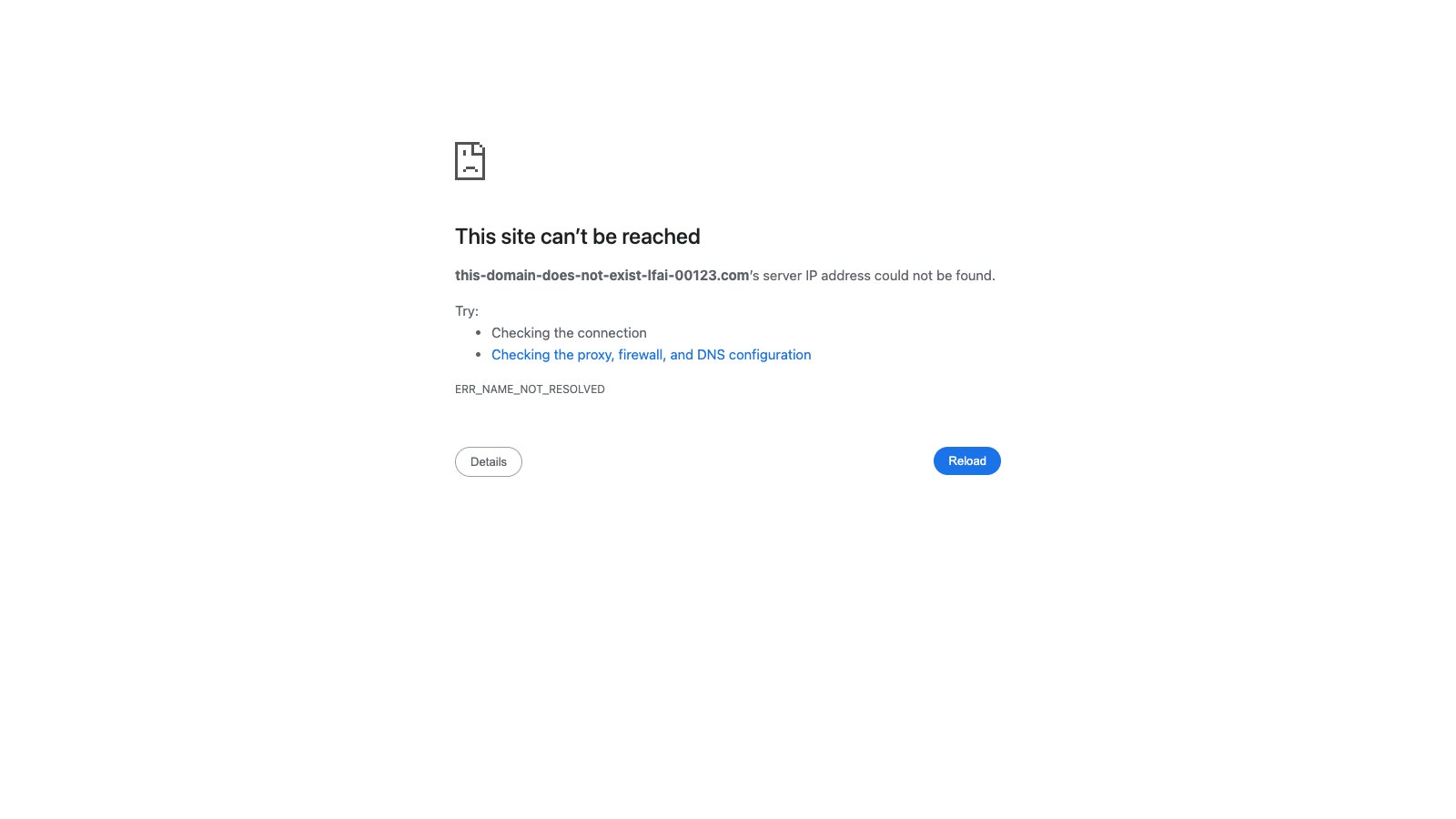
We recon dozens of local businesses around Sioux Falls and the surrounding towns. Not deep audits. Quick scans. The most common defect we find is simple: the website button on the Google Business Profile points somewhere dead. 404. Parked domain with ads. An old http:// staging URL left over from a rebuild. Someone searches your name, taps the button on their phone, and lands nowhere useful. That person rarely comes back to try again.
This is not rare. It shows up across plumbers, dentists, salons, contractors, restaurants. The listing itself looks fine. Photos are current. Hours are right. Reviews are there. Then the one click that should convert them into a visitor fails.
The 60-second self-check
Do this on your phone. Right now if you can.
Open Google. Search your exact business name plus city. Your profile should appear near the top. Tap it. Find the Website button. Tap that.
Watch what loads.
If you get a real page that matches your business, good. You are ahead of a lot of owners. If you get a 404, a “domain for sale” page, a browser security warning, or a half-finished staging site with placeholder text, you have the problem. Try it on mobile data, not just Wi-Fi. Some broken links behave differently by network.
Also check the URL itself. Does it still say http:// instead of https://? Does it redirect three times and land on a different brand? Does it open a Facebook page or a Yelp profile instead of your own site? Those count as broken for practical purposes. The customer wanted your site. They did not get it.
One pass takes under a minute. Do it for every location if you have more than one. Do it after any vendor change or domain renewal.
How it gets this way
Most of the time nobody notices for months.
An old web vendor stops answering email. The domain was registered under their account. It expires. Or they built the site on a temporary subdomain and never updated Google when the real domain went live. Or the business migrated to a new host, the old site came down, and the Google profile still pointed at the previous address. Or someone “temporarily” used a free parking page during a redesign and forgot to switch it back.
HTTP leftovers are common too. The site moved to HTTPS years ago. The Google profile still has the old http:// link. Some phones and networks now block or warn on plain HTTP, so the tap fails or scares the user off.
Ownership drift causes a share of these. The person who claimed the Google Business Profile left the company. No one else has login access. The website field sits untouched while everything else around it gets updated. We see profiles with fresh photos and a dead link in the same week.
None of this requires malice or incompetence. It just requires one missed step during a handoff. Then time passes. Google keeps sending people to the bad URL because the rest of the profile looks legitimate.
What to do about it
First, fix the link. Log into your Google Business Profile. Edit the website field. Put the correct HTTPS URL. Save. It can take a few days for the change to show everywhere, so check again later from a different phone.
If you do not have login access, claim or recover the profile. Google has a process for that. It is slower than editing, but it is the only path once the old owner is gone.
Second, make sure the destination actually works. A correct URL to a site that is down, expired, or full of broken pages is still a dead end. Open the site yourself. Click the main buttons. Load it on a phone. If the domain expired, renew it or move to a new one and update Google immediately. If the site is an old build that no longer represents the business, replace it.
Third, prevent the next break. Keep the Google login credentials in a place more than one person can reach. When you change vendors or hosts, treat the Google website field as a required checklist item, same as DNS. After any migration, run the 60-second check again.
If the site itself is the weak part, that is a separate job. We build and host straightforward sites for local businesses. Essentials runs $149 a month. Premium is $249 a month. Enterprise starts at $399 a month. These are introductory rates. Custom build fees (normally $1,499 to $2,499+) are currently waived. Month to month. Cancel anytime. Portfolio is at legacyforgeai.com/work if you want to see the kind of work we ship.
The cost of leaving it broken
Every tap on that dead button is a person who already raised their hand. They searched your name. They chose your listing. Then the trail ended. Some will search again and find a competitor. Most will just move on. You never hear about it. No angry call. No review. Just quiet loss.
The fix for the Google link itself is free and fast if you still have access. The fix for a missing or dead site is not free, but it is bounded. You do not need a massive project to stop losing those taps.
We keep an AI receptionist on (605) 315-3900. It answers anytime. Call if you want a quick second set of eyes on your listing or the site behind it. Tell it what you found in the 60-second check. We will tell you exactly what needs fixing and what it costs. No long discovery call required.
Run the check today. It takes less time than finishing this paragraph. If the button works, you gained certainty for free. If it does not, you just found a leak you can close before the next customer hits it.